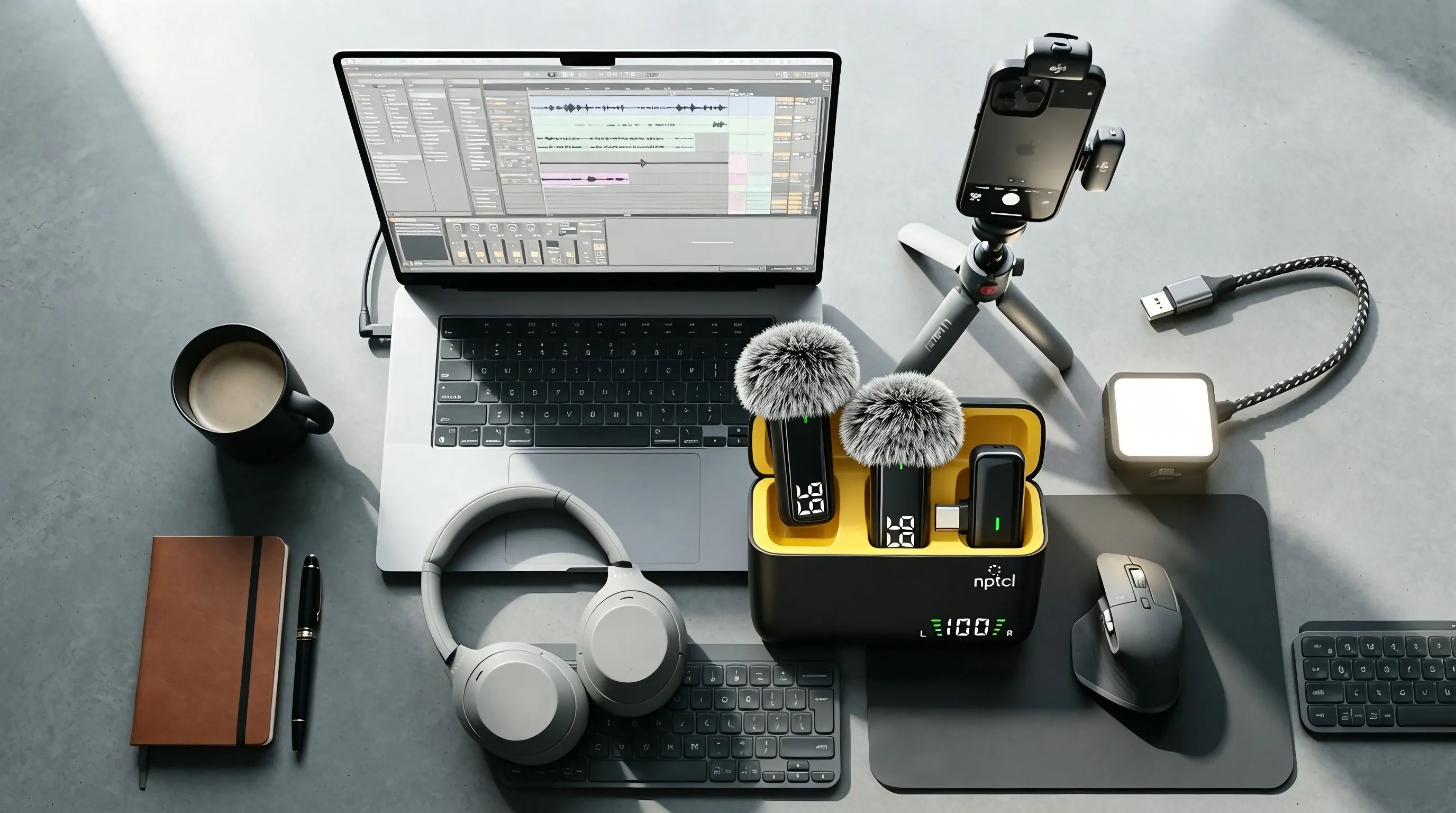
If you chose a kit that includes the USB cable, the wireless lapel mic works on your computer too — no adapter needed.
- Plug the receiver into the included USB cable, then connect the cable to a USB port on your computer.
- The receiver is detected automatically — no driver, no app, no pairing.
- Open your sound settings (or recording app) and confirm the input. You should see USB AUDIO 1.0 — that is this wireless mic.
Select it as the input and start recording. If you use a kit without the USB cable, an aftermarket USB-C to USB adapter also works.