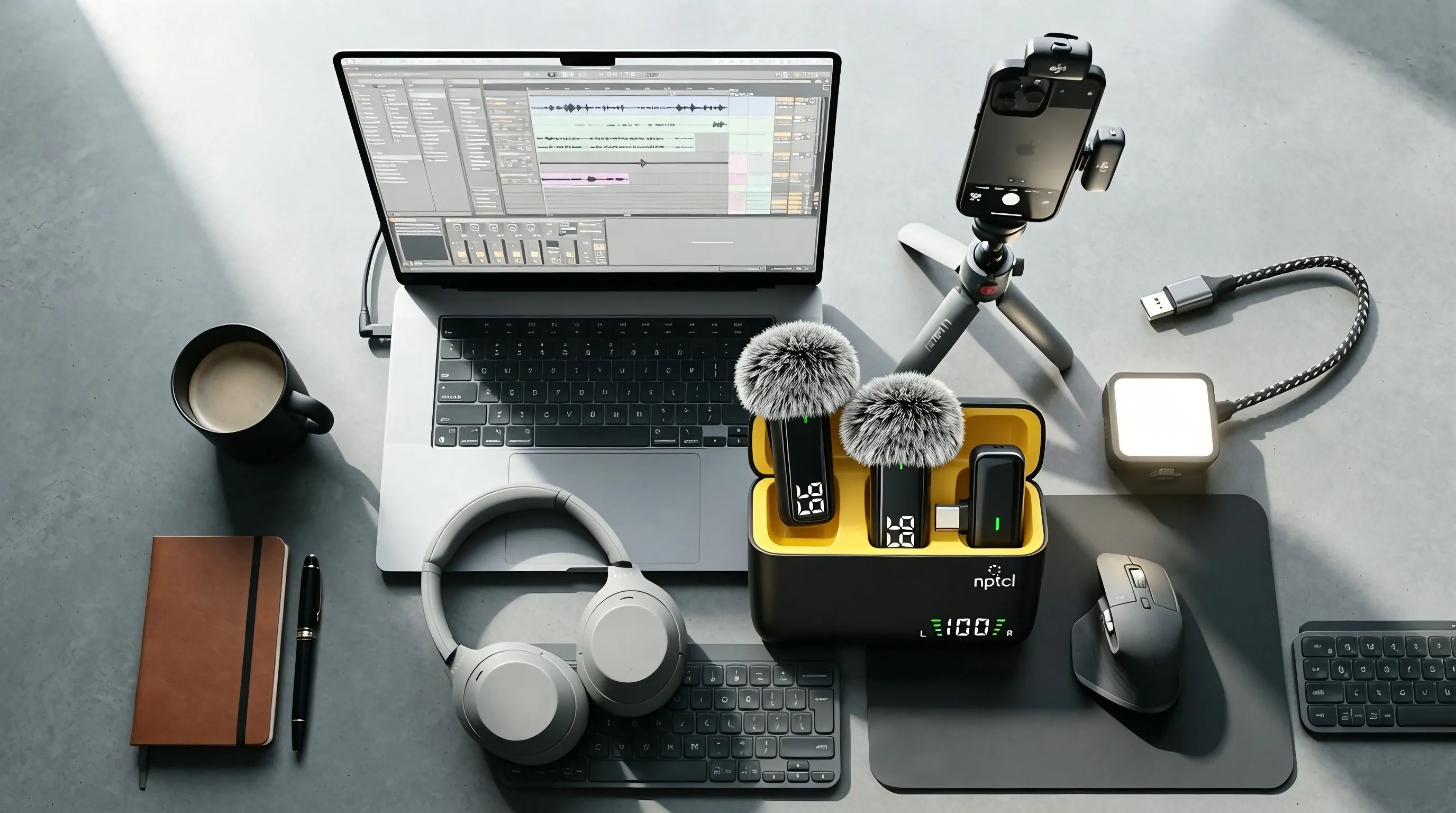
The small LED on each transmitter tells you exactly what is happening at a glance.
- Solid light — connected and ready to use. Audio is being received normally, so you can start recording.
- Solid red light — mute is ON. The microphone is muted and will not record any sound. Press the button on the transmitter to unmute before you start recording.
- Slow flash — searching for the receiver. Make sure the receiver is firmly plugged into your phone and its light is on.
- Red light blink — battery is below 20%. Time to charge: place the transmitter in the charging case or plug it in.
- Off — powered down.
If the light keeps flashing after the receiver is plugged in, unplug it, wait 5 seconds and plug it back in — see the troubleshooting guide for more help.